How to Watch Foreign TV Channels in Australia from the US
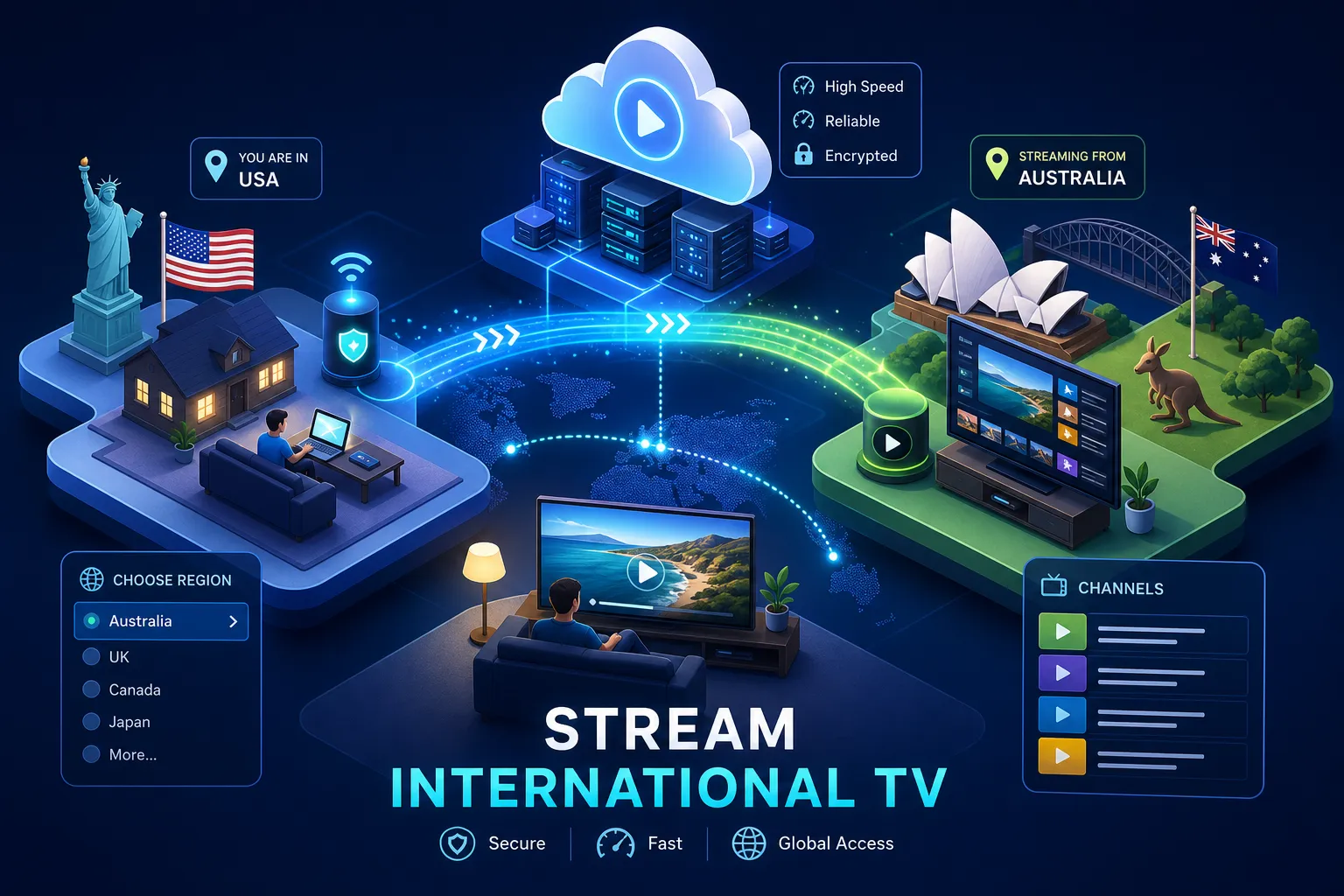
If you’re asking how you can watch foreign TV channels in Australia from the US, or the reverse, how to keep watching your Australian channels while you’re over there, you’ve already hit the wall. You open your streaming app in New York, thirty minutes before the AFL grand final, and it tells you the content isn’t available in your region. That’s geo-blocking doing exactly what it was designed to do: lock you out, the moment your IP address tells the platform you’re not in the right country.
The frustration is real, but the fix is straightforward. There are three main ways to watch foreign TV channels from wherever you are: a VPN, a Smart DNS service, or an IPTV subscription. Each solves the problem differently and suits a different type of viewer. This guide walks through all three clearly, so you can pick the right one and start streaming without mucking around.
Why your channels go dark when you cross borders
Every time you open a streaming platform, it checks your IP address and maps it to a physical location. That check happens server-side, which means it doesn’t matter what device you’re on or what subscription you’re paying for. The moment you land in the US with an active Australian streaming account, the platform sees a US IP address and either locks you out entirely or swaps your content library to the local version.
The problem runs both ways. Australians in the US can’t access ABC iview, 9Now, 7Plus, or Kayo Sports. Americans in Australia face the same wall with Hulu, Peacock, and US network apps. Both situations require the same core fix: make the streaming platform believe you’re in the right country. That’s where VPNs, Smart DNS, and IPTV each step in with different approaches.
How to watch foreign TV channels in Australia from the US using a VPN
A VPN routes your internet traffic through a server in another country and replaces your IP address with one from that region. For an Australian in the US, connecting to an Australian VPN server makes streaming platforms like ABC iview and 9Now think you’re watching from home. The two services that perform most reliably in 2026 are NordVPN and ExpressVPN, both consistently rated highly in independent streaming tests. NordVPN’s SmartPlay feature auto-unblocks services without requiring manual server switching and delivers strong speeds overall, which matters for 4K. ExpressVPN offers servers across all 50 US states, making it the more practical option if you’re specifically after regional US content.
Speed is where VPNs have a real limitation. Encryption overhead typically reduces your connection speed by around 30% and increases latency, figures that align with independent VPN performance benchmarks. For standard HD streaming, that’s manageable. For 4K, you need a fast base connection and a premium service. Hotel Wi-Fi compounds the problem, so if you’re travelling on shared networks, factor that in before expecting buffer-free 4K.
On the legal side: VPN use is legal in Australia. In most other jurisdictions, including the US, it is also generally legal, though you should check local law and the terms of service for any platform you’re accessing. The risk for streaming isn’t criminal, it’s contractual. Netflix, Disney+, and Amazon Prime all explicitly state in their terms of service that you cannot use technology to obscure your location. The realistic consequence of being caught is an account restriction or suspension, not a fine. For travellers who just want to catch up on shows or watch live sport, the practical risk is low. Downloading content via VPN is a different matter and carries higher legal exposure, so keep that distinction clear.
Smart DNS: the faster option for Smart TVs and consoles
Smart DNS takes a more surgical approach to helping you access foreign TV channels. Instead of rerouting all your internet traffic, it only redirects the DNS queries that reveal your location. The result is near-native connection speeds, retaining around 94% of your original speed with minimal added latency, according to comparative streaming tests. There’s no encryption involved, which means no privacy protection. For pure streaming purposes, that trade-off often makes sense, especially when you need speed over security.
The real advantage of Smart DNS is device compatibility. Many Smart TVs, including Samsung and LG models, along with Roku, gaming consoles, and Chromecast cannot run VPN apps natively. Apple TV (4th generation and later) and Android-based TV platforms can run VPN apps, but for devices that can’t, Smart DNS sidesteps the issue by working through the device’s network settings with a manual DNS entry. Most top VPN providers bundle Smart DNS with their subscriptions, so you’re not paying extra for it. Use Smart DNS on your TV and keep the full VPN running on your laptop or phone for a clean hybrid setup.
Where Smart DNS falls short is with services that use deep geolocation checks, including GPS verification. Some sports apps and live TV services go well beyond a basic IP check. The AFL app and similar sports platforms, for example, are known to use layered location verification that a simple DNS redirect won’t satisfy. If a platform requires a residential IP address rather than a DNS redirect, Smart DNS won’t cut it. Know your platform before relying on it exclusively for live sport.
IPTV: a different approach for Australians in the US
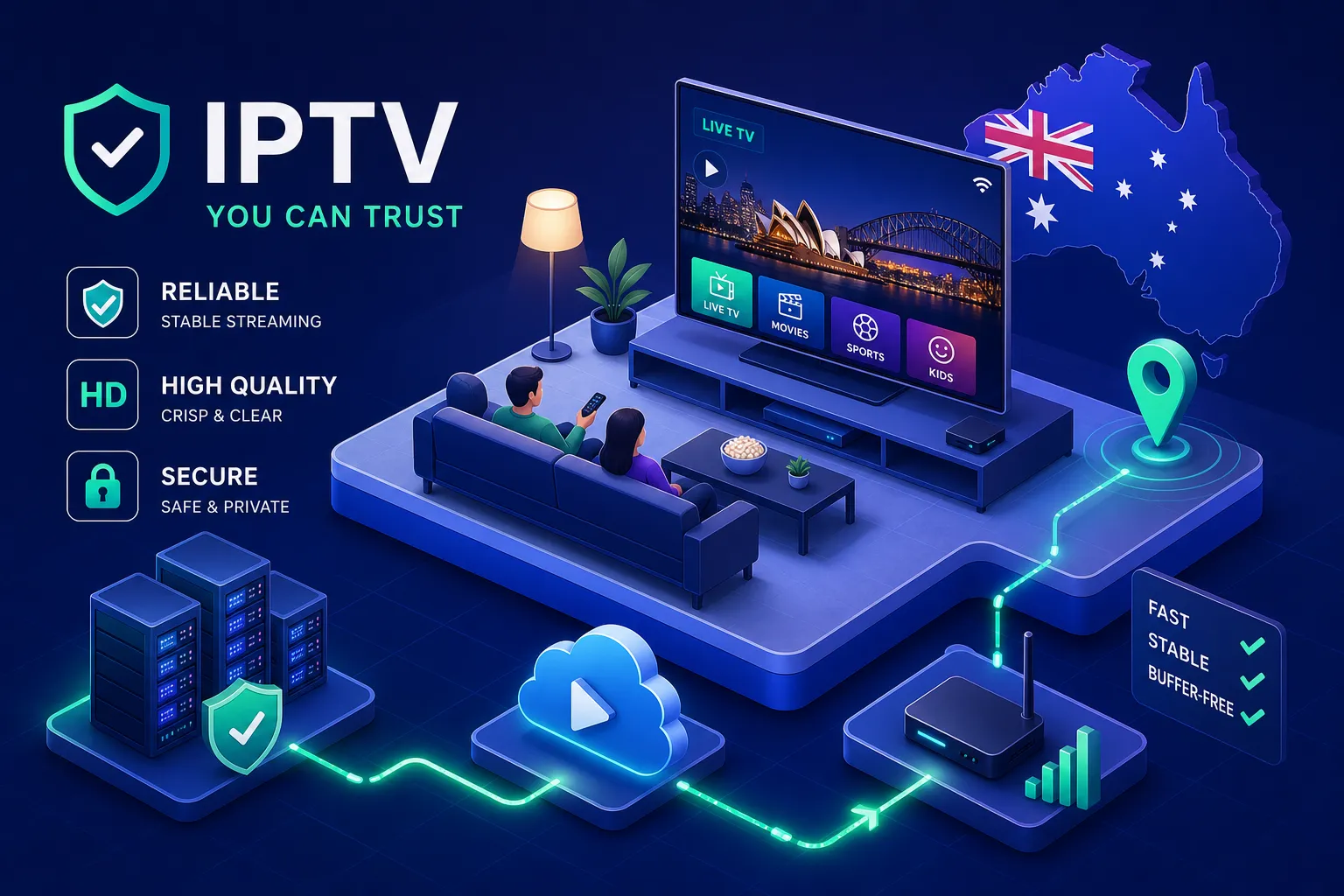
VPNs and Smart DNS are workarounds. They exist because you’re trying to access a service that doesn’t want you there. IPTV works differently: it’s a direct subscription that delivers live channels and on-demand content over your internet connection, without the need to bypass geo-restrictions on a per-platform basis. No server switching before the game, no DNS entries to configure, no wondering whether tonight’s VPN server will hold up during the match.
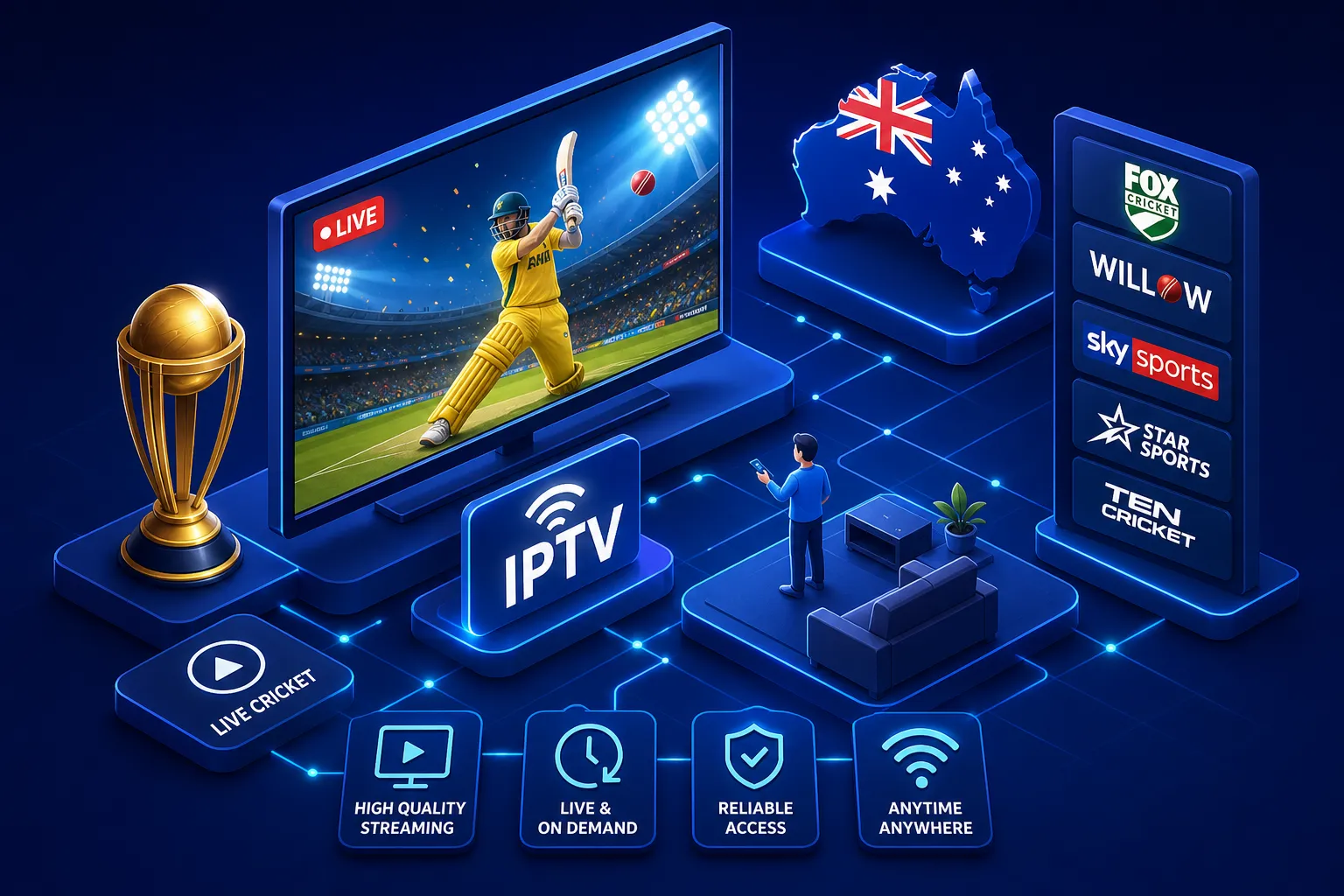
It’s worth being clear about what third-party IPTV services are and what they aren’t. Many operate without formal broadcast licences, which means channel availability, particularly for live Australian sports like AFL, cricket, and NRL, can vary and is not guaranteed when accessed from the US. For confirmed live coverage of Australian sports from overseas, official options such as WatchAFL or Kayo Sports accessed via an Australian VPN server remain the most reliable licensed routes. That said, IPTV services can offer broad entertainment content across a wide range of channels and on-demand titles, and some Australian travellers find them a practical complement to official services.
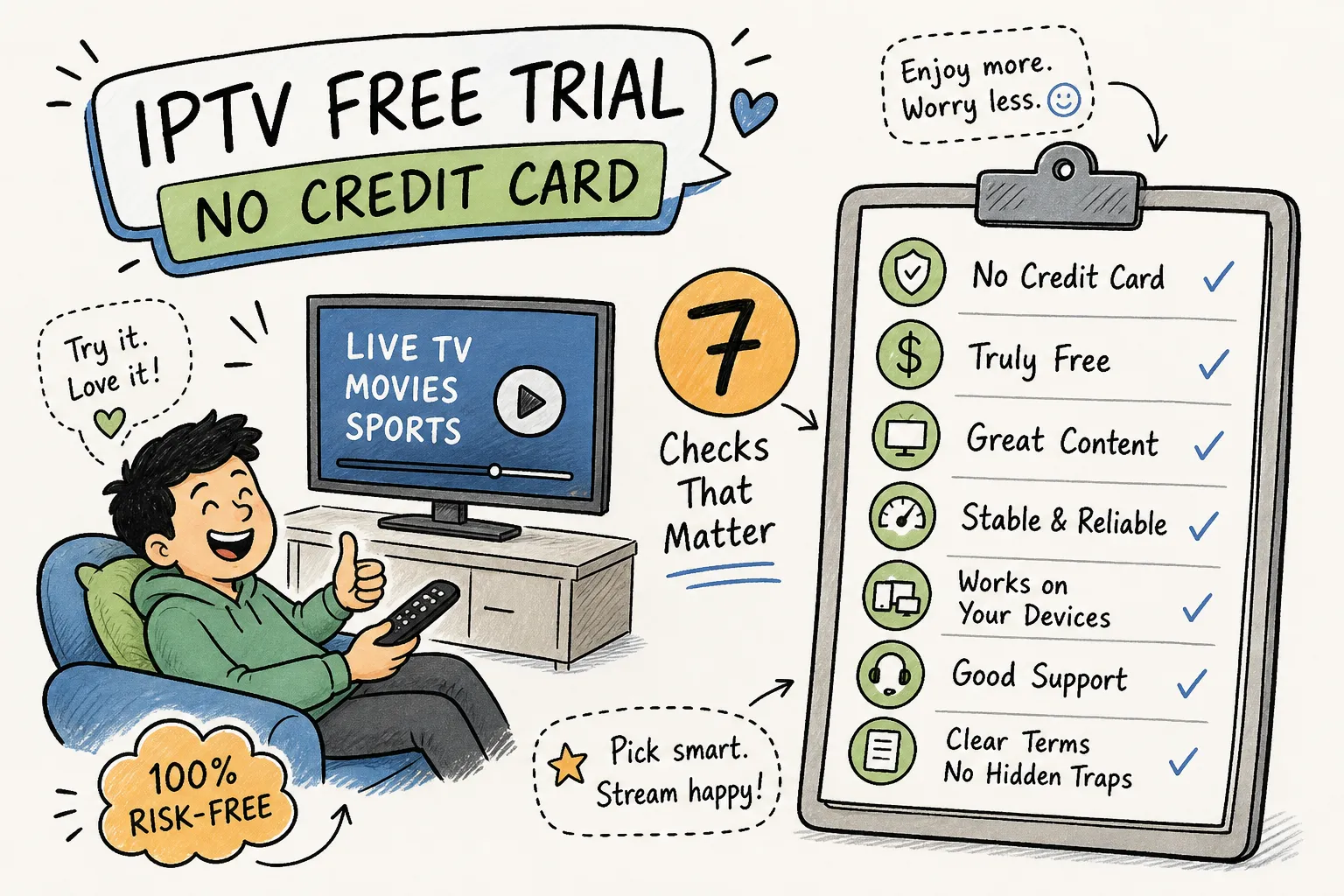
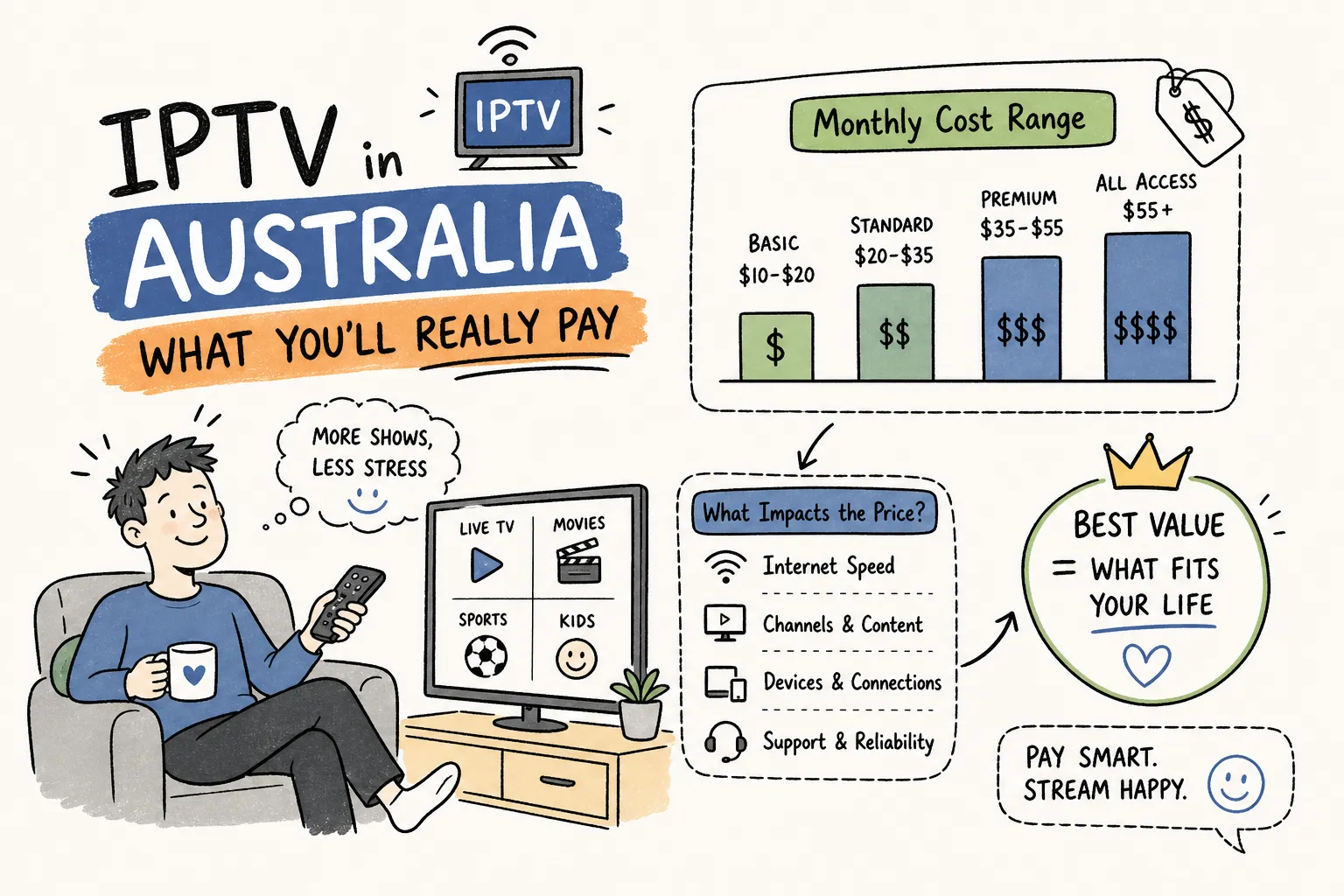
IPTV Australia 4K is an Australian-focused IPTV service designed for viewers who want a broad content library accessible from any location. It works across a range of devices including Fire TV Stick, Smart TV, Android, iOS, and laptop. The service offers a large selection of live channels and on-demand titles, with plans available on a month-to-month basis through to annual options, positioned at a lower price point than traditional pay TV. A free trial is available, with a 7-day money-back guarantee on paid plans. As with any third-party IPTV service, check the current channel lineup and confirm it meets your specific viewing needs before committing.
How to watch foreign TV channels in Australia from the US on any device
For devices with native app support, setup is straightforward. Subscribe to your chosen service, open the relevant app store, the Amazon Appstore for Fire TV, the App Store for Apple TV, Google Play for Android, download the app, log in, and connect. For a VPN, select the appropriate country server. For an IPTV service, you typically log in and stream directly without additional server configuration. This path covers the vast majority of traveller devices.
Samsung and LG Smart TVs present a different challenge because they generally can’t run VPN apps directly. Your quickest option as a traveller is the mobile hotspot method: enable your VPN on your phone, set up a hotspot, and connect the TV to it. The TV’s traffic then flows through the VPN connection. For Smart DNS, enter the DNS address manually in the TV’s network settings. If your Smart TV doesn’t support your IPTV app natively, plug a Fire TV Stick into the HDMI port and install from there. It’s a practical fix, and many travellers carry a Fire TV Stick for exactly this reason.
Paying for US-only services and what to sort out before you sign up
Some platforms, including Hulu, Peacock, and certain network apps, require a US billing address and a US-accepted payment method. Australian cards are rejected at checkout. The most reliable workaround is a virtual US card service such as US Unlocked, which provides a Visa card with a US billing address funded from your Australian account. It’s accepted by Hulu, Peacock, Max, Disney+, and Netflix US, and handles recurring billing automatically. Virtual US cards work across all services, whereas US gift cards are limited to app-store-billed subscriptions and won’t work for direct-billing platforms like Hulu.
For Netflix US specifically, US-region gift cards purchased online and applied through a US App Store account are a reliable alternative if you’d rather not use a virtual card service. You’ll need a separate US Apple ID or US Google Play account to access the US store, which involves creating a new account while connected to a US VPN server and selecting “None” as the payment method initially. A few extra steps, but it works.
The simplest way to choose how to watch foreign TV channels from the US
Each method serves a different use case. A VPN gives you maximum flexibility and privacy, works across all platforms, and is worth the speed trade-off if you need access to a range of geo-restricted services. Smart DNS is the speed-first option for Smart TVs and consoles, and it pairs well with a VPN subscription that bundles both. IPTV suits viewers who want a broad entertainment library across devices without managing VPN servers or DNS settings, though for guaranteed live coverage of licensed Australian sports from the US, pair it with an official service accessed via VPN.
Watching foreign TV channels from the US while in Australia, or keeping your Australian content accessible while you’re in the US, is absolutely doable in 2026. The technology is reliable, setup is faster than it used to be, and the options are genuinely good. You just need to pick the method that fits your devices and your patience level.
If you want to explore what IPTV Australia 4K offers before committing, the free trial lets you test it on your own devices and confirm it suits your viewing setup before you spend a cent. Start there, see what works, and go from there.